
最近更新于 2026-08-25 11:29
基于 office 2024 测试,VBA 脚本来自:https://zh-cn.extendoffice.com/documents/excel/3686-excel-remove-conditional-formatting-but-keep-format.html
1.Excel 打开要处理的表格文件,按Alt+F11打开 VBA 编辑器
2.左边可以看到对应的 Excel 文件和 Sheet 表,双击可以打开编辑,粘粘下面代码
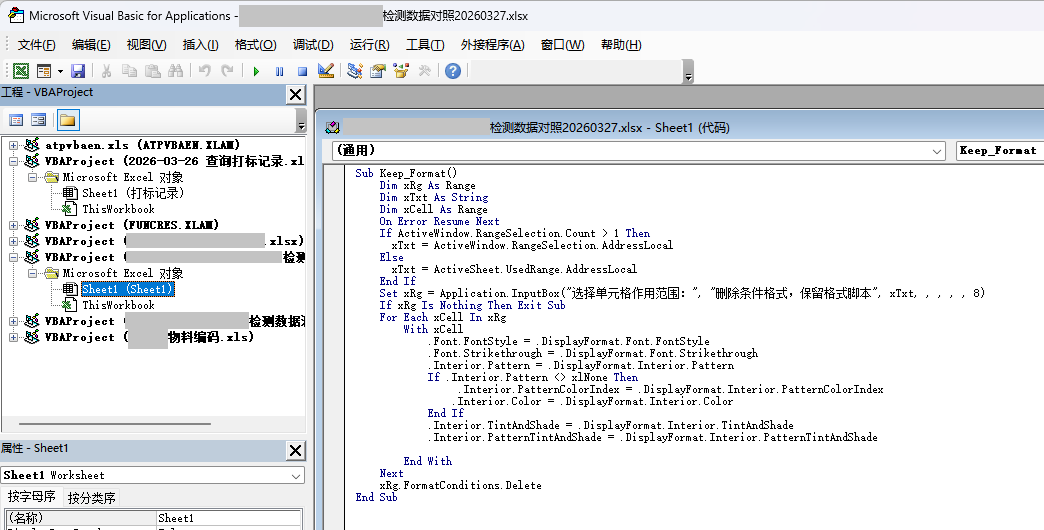
Sub Keep_Format()
    Dim xRg As Range
    Dim xTxt As String
    Dim xCell As Range
    On Error Resume Next

    If ActiveWindow.RangeSelection.Count > 1 Then
        xTxt = ActiveWindow.RangeSelection.AddressLocal
    Else
        xTxt = ActiveSheet.UsedRange.AddressLocal
    End If

    Set xRg = Application.InputBox("选择单元格作用范围:", "删除条件格式,保留格式脚本", xTxt, , , , , 8)
    If xRg Is Nothing Then Exit Sub

    For Each xCell In xRg
        With xCell
            .Font.FontStyle = .DisplayFormat.Font.FontStyle
            .Font.Strikethrough = .DisplayFormat.Font.Strikethrough
            .Interior.Pattern = .DisplayFormat.Interior.Pattern

            If .Interior.Pattern <> xlNone Then
                .Interior.PatternColorIndex = .DisplayFormat.Interior.PatternColorIndex
                .Interior.Color = .DisplayFormat.Interior.Color
            End If

            .Interior.TintAndShade = .DisplayFormat.Interior.TintAndShade
            .Interior.PatternTintAndShade = .DisplayFormat.Interior.PatternTintAndShade
        End With
    Next

    xRg.FormatConditions.Delete

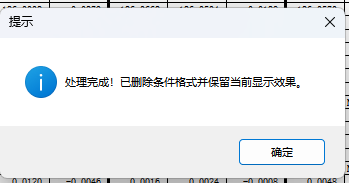
    MsgBox "处理完成!已删除条件格式并保留当前显示效果。", vbInformation, "提示"
End Sub
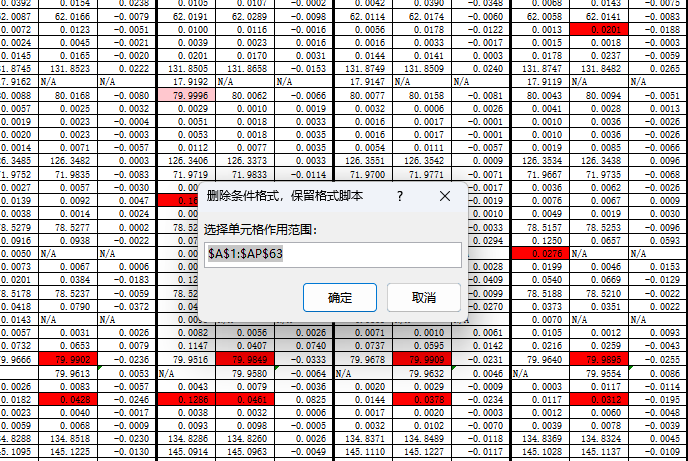
3.在 VBA 编辑器中按F5执行脚本,弹框中选择要作用的单元格范围
4.等待脚本完成
这样格式效果保留了,但条件格式删除了。
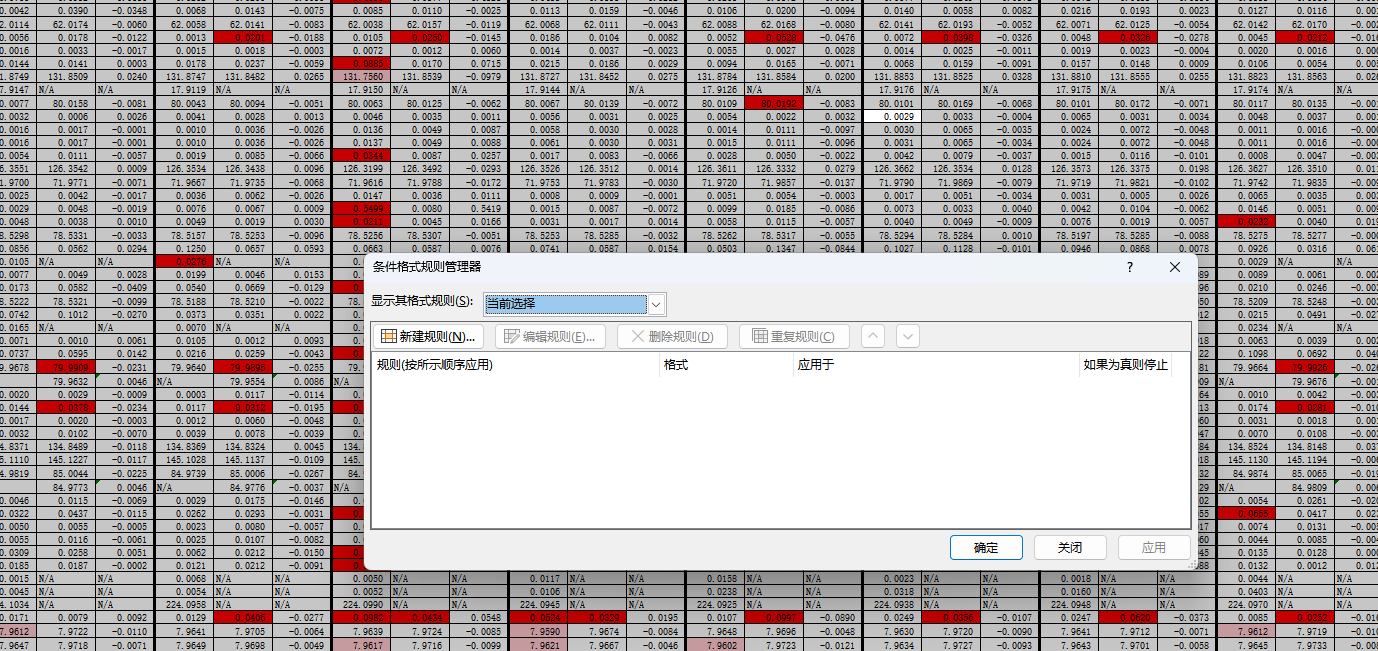
Excel 删除条件格式,但保留格式的 VBA 宏